Unlock knowledge locally
Documents and internal knowledge can be made accessible through chat and RAG applications.
Local AI for your company knowledge – with preconfigured hardware, models and team access.
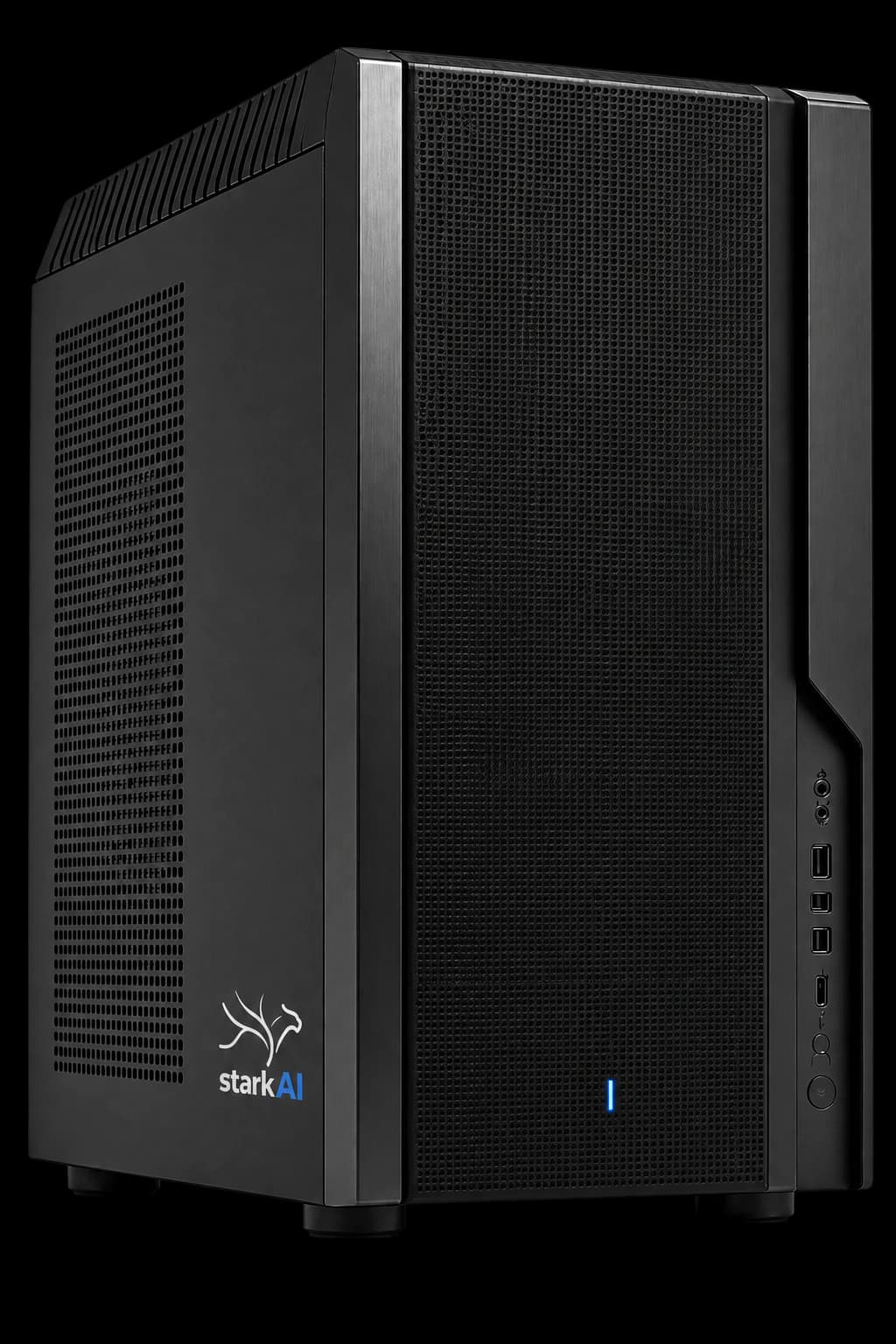
stark AI Box
Includes a knowledge baselocally ready
01
Inside your network
Data and models remain in infrastructure under your control.
02
Available offline
Local AI applications can operate without cloud access.
03
Prepared for teams
Accounts, permissions, APIs and requested models are configured initially.
04
Make knowledge available
Get answers from documents directly in the chat interface.
The AI Box combines capable workstation hardware with a ready-to-use software stack for secure, repeatable AI work in your company.
Documents and internal knowledge can be made accessible through chat and RAG applications.
Team accounts, keys and permissions enable controlled use instead of shared personal accounts.
Local APIs connect models with existing assistants and workflows.
Every box provides local AI with a knowledge base and team access. Starter is the cost-effective entry point; Box 32 and Box 48 add GPU memory, larger models and more headroom for concurrent use.1
For smaller companies
The simple entry point to local AI: secure team chat, internal knowledge search and compact assistants without cloud dependency.
For a few users and clearly defined tasks
For everyday AI work
For teams that need reliable research, content creation and internal knowledge assistants running in parallel.
4–8 users in parallel
For larger models and RAG
For teams that need demanding analysis, large knowledge bases and complex automation securely inside their own network.
6–10 users in parallel
Included in the base package
Initial setup of team accounts
Setup of the requested models
Searchable knowledge base
Employees get an approachable chat interface. IT and accountable teams manage models, access, keys and usage rules through a local gateway.
Use approved AI capabilities from the workplace without specialist software.
Manage accounts and permissions transparently for groups and use cases.
Connect internal systems with approved models through controlled endpoints.
Review operations, usage and technical events in one central place.
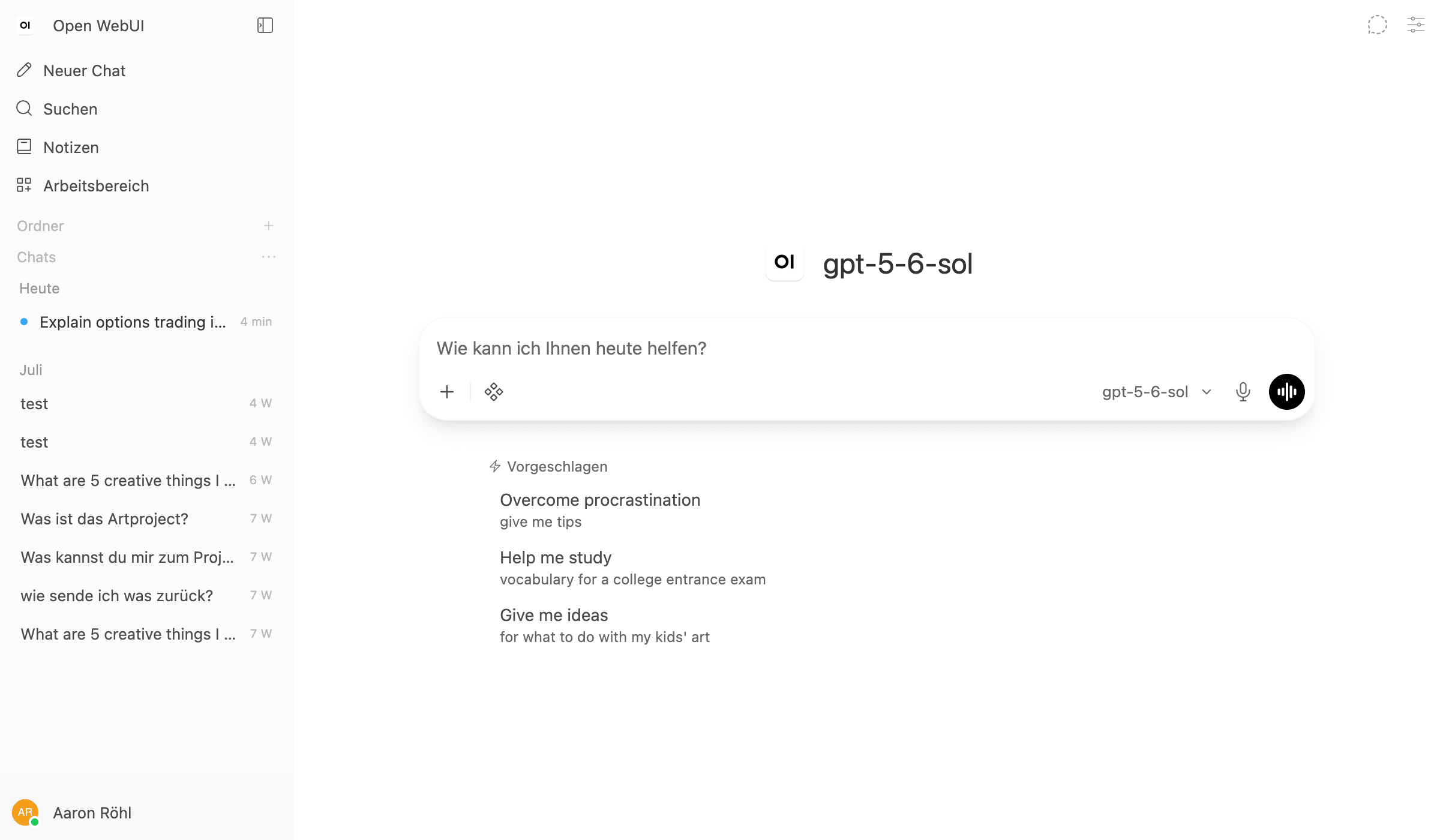
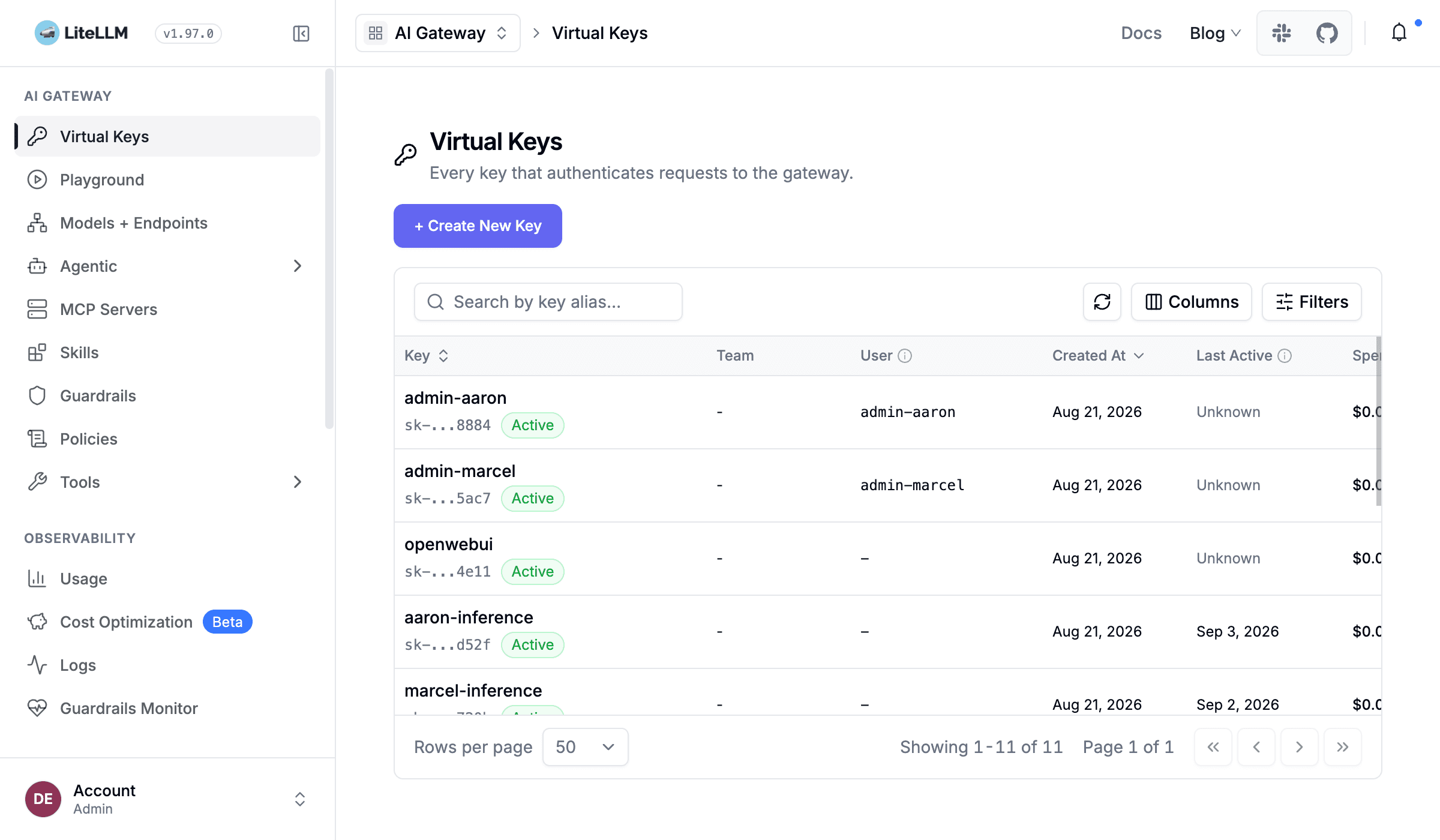
Open WebUI provides the browser-based workspace. LiteLLM brings models and APIs together behind a controlled gateway.
Workspace
A central browser entry point for chats, knowledge work and internal assistants inside the company network.
Gateway and governance
A local access point for approved models, API keys, teams and traceable usage.
01
A familiar interface for writing, summarising, researching and using internal assistants.
Central browser access
Approved models
Shared knowledge sources
02
A locally controlled entry point for models, integrations and transparent access rules.
Company network
Permissions and keys
Monitoring and governance
Both paths can make sense. The decision depends on your requirements, available IT capacity and responsibility for setup and operation.
For a custom integration of your knowledge sources: Plan a custom knowledge base
The final configuration depends on models, user count, data sources and your existing infrastructure.
We frame tasks, user groups, data sources and integration needs.
Hardware and software are prepared for the agreed operating scope.
Accounts and models are configured initially and operations are handed over together.
Yes. The local AI applications are designed to run inside the company network without cloud access.
As a guide, Box 32 is intended for about 4–8 and Box 48 for about 6–10 concurrently active users. Actual capacity depends on the model and tasks.
Requested models are configured initially. We assess which models run well on the selected hardware based on the use case.
Sources and access rights can be assigned individually.
Non-binding consultation
We discuss your use case and help you choose the right configuration and setup. You do not need to select a box yet. We will get back to you by the next business day.
Your inquiry is not an order. If possible, describe your tasks, number of users, data sources and desired integrations; we can then clarify the appropriate configuration and scope.
team@stark-ai.de
Handled confidentially